Table of Contents
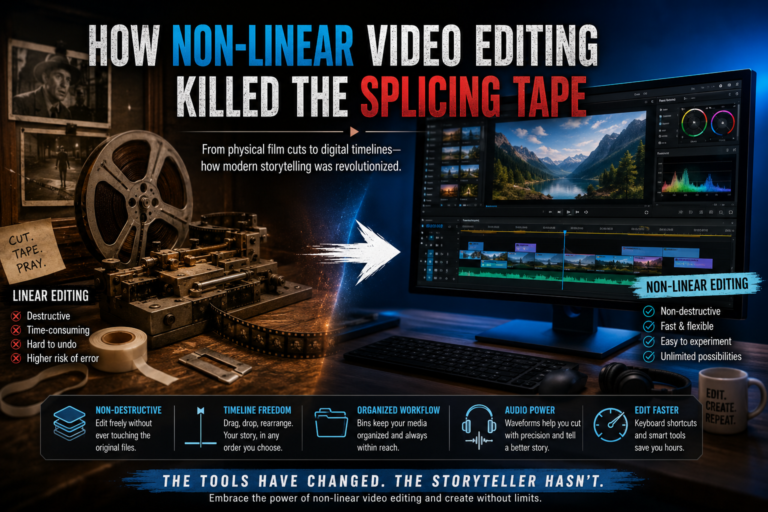
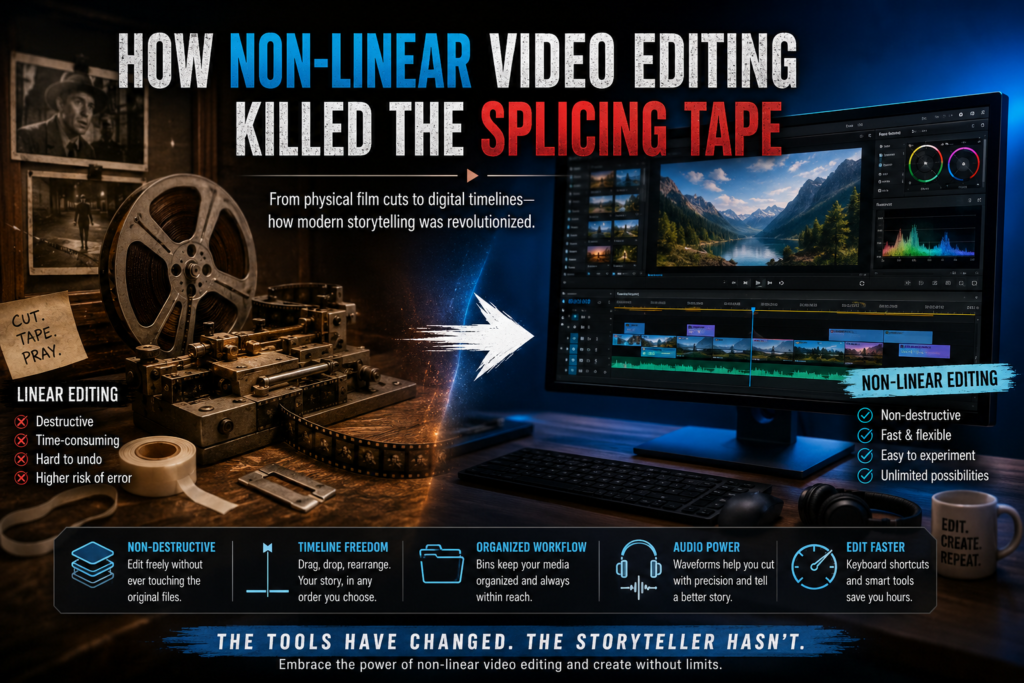
From physical film cuts to digital timelines—how modern storytelling was revolutionized.
Imagine having to physically slice and tape together strips of celluloid film every time you wanted to change a scene’s order. If you cut the wrong frame, or decided later that a shot belonged at the end of the movie instead of the beginning, you were in for hours of tedious, physical labor. Even worse, if you made a severe mistake, the original footage could be ruined forever.
This was the reality of filmmaking until non-linear video editing changed everything. Defined as the digital process of arranging video clips on a timeline without altering or destroying the original source files, this technological leap didn’t just make editing faster—it fundamentally changed how stories are told.
Understanding this shift gives crucial context to the history of modern filmmaking and provides beginners with a much clearer grasp of how today’s timeline-based software actually functions.
What Exactly is Non-Linear Video Editing?
The “Non-Destructive” Concept
At its core, non-linear video editing (often abbreviated as NLE) is entirely non-destructive. When you drag a video clip into a timeline on your computer, the software is not actually touching the raw video file stored on your hard drive. Instead, it is using virtual pointers. The software creates a set of instructions that says, “Play file X from 00:01 to 00:05, then immediately play file Y from 00:10 to 00:15.” Because you are only manipulating code and pointers, you can slice, delete, and rearrange clips a thousand times without ever degrading your original footage.
Linear vs. Non-Linear
To appreciate this, we have to look at the alternative. The old “linear” tape-to-tape method was strict and sequential. Editors had to copy footage from a source tape onto a master tape in the exact order it would be viewed. If you wanted to insert a new three-second shot into the middle of a completed ten-minute sequence, you often had to record over everything that came after it. Non-linear editing completely removed this sequential restriction.
To see exactly how modern software references timecodes to build your final cut without touching the original media, Adobe’s glossary on non-linear editing provides an excellent technical breakdown.
The Anatomy of an NLE Timeline
Whether you are editing a quick TikTok or a feature-length film, almost all non-linear video editing software shares the same basic anatomy.
-
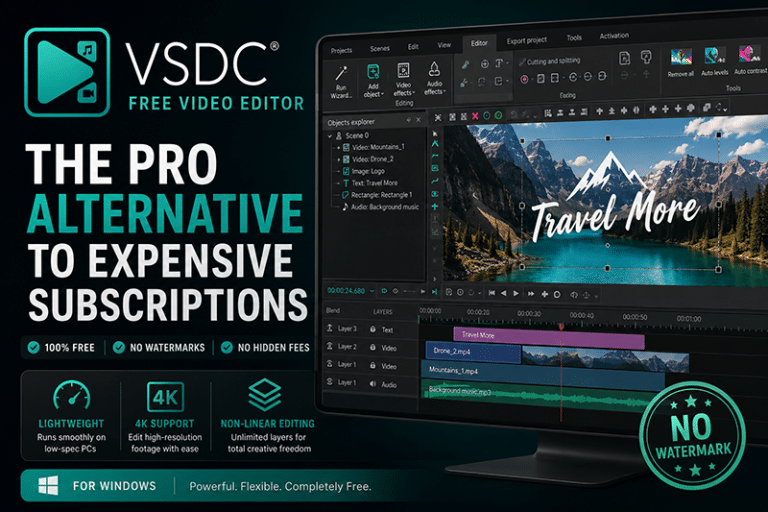
Tracks and Layers: Timelines are built vertically. Video and audio tracks stack on top of each other. A crucial rule of NLEs is that the top layer is what the viewer sees. If you place a clip on Video Track 2, it will visually obscure whatever is playing at the exact same time on Video Track 1 beneath it.
-
The Playhead: This is the vertical line that scrubs across your timeline. As the playhead moves from left to right, the software renders the virtual pointers and plays back your sequence in the preview monitor in real-time.
-
Bins and Media Management: Because NLEs rely on file paths to find your footage, organization is paramount. Before you make a single cut, your files must be organized into “bins” (a leftover term from the physical bins that used to hold strips of film). If you move a raw video file to a different folder on your computer after importing it into your software, the NLE will display a terrifying “Media Offline” error because its pointer is looking in the wrong place.
Top Software That Killed the Tape
The digital revolution gave birth to a wide spectrum of NLEs tailored to different skill levels and budgets.
For Beginners
-
CapCut & iMovie: These programs feature highly accessible, drag-and-drop interfaces. They abstract the complex code and timecodes, allowing users to focus purely on visual storytelling.
For Intermediate Creators
-
Final Cut Pro & Adobe Premiere Elements: Offering more robust color correction, audio mixing, and multi-cam support, these platforms bridge the gap between hobbyist and professional workflows.
For Professionals
-
Adobe Premiere Pro, DaVinci Resolve, & Avid Media Composer: These are the industry standard. Avid, in particular, was the historical pioneer that helped mainstream the non-linear video editing workflow in Hollywood during the early 1990s. DaVinci Resolve currently dominates the color-grading space, while Premiere Pro is heavily favored for its integration with visual effects software like After Effects.
3 Golden Rules for Modern Digital Editors
If you are diving into an NLE for the first time, keep these three principles in mind to avoid getting overwhelmed:
-
Memorize Keyboard Shortcuts: The physical dexterity once needed for cutting film has been replaced by the keyboard. Memorizing hotkeys—specifically J, K, and L for rewinding, pausing, and fast-forwarding playback—will double your editing speed overnight.
-
Build the Rough Cut First: Because non-linear video editing allows for infinite tweaking, it is easy to get stuck color-correcting a single shot for an hour. Don’t. Assemble the narrative backbone of your entire video first. Worry about the polish later.
-
Remember That Audio is Half the Video: NLEs provide visual audio waveforms beneath your video clips—a massive advantage over physical film strips. Use these waveforms to match your cuts to the beat of the music or to quickly find where a speaker starts a new sentence.
The Freedom to Make Mistakes
The transition from linear to non-linear video editing empowered creators in ways previously unimaginable. It removed the fear of the physical cut. Today, you are free to experiment wildly, undo mistakes instantly, and try dozens of different variations of a scene without losing a single frame of your original media.
If you want to experience the power of the digital timeline yourself, download a free, professional-grade NLE like DaVinci Resolve and practice assembling a non-destructive three-clip sequence today.